
Colors play a central and symbolic role in Sugarizer. Each user can personalize their experience by choosing their favorite colors, making Sugarizer as distinctive as it is inclusive. Let's take our brush and explore the role of favorite colors in Sugarizer.
From the first contact with Sugarizer, users can select their favorite colors.
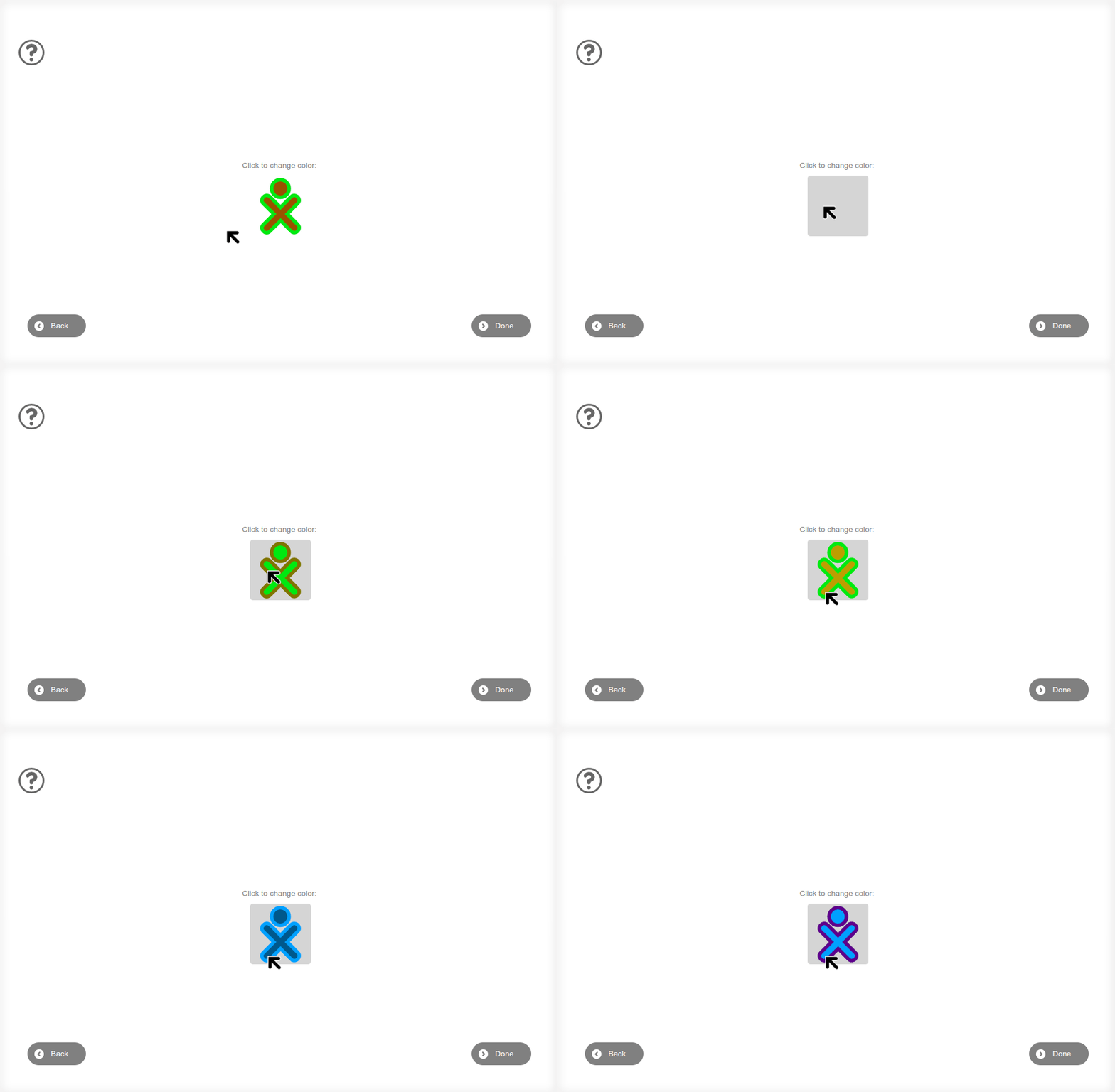
These colors are not just aesthetic choices; they become each child's personal flag, reflecting their individuality and creativity. These colors are applied to their avatar, helping to create a strong personal connection with the application.
Activities in Sugarizer leverage these personal colors to provide an immersive and consistent experience. Whether displaying activity elements or customizing the wallpaper, the colors chosen by users play a crucial role in navigation and interaction. This allows each child to feel unique and recognized within the platform.
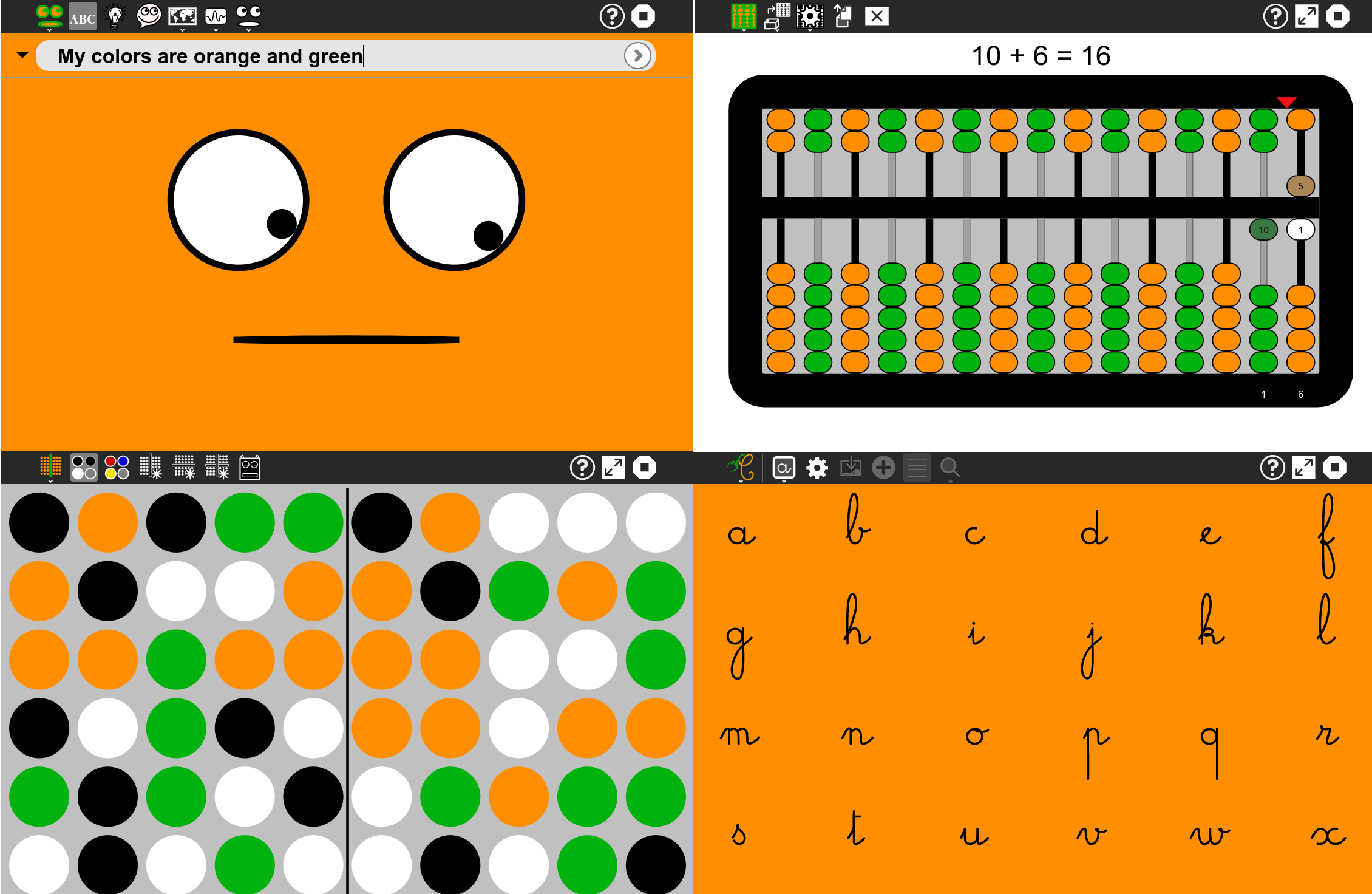
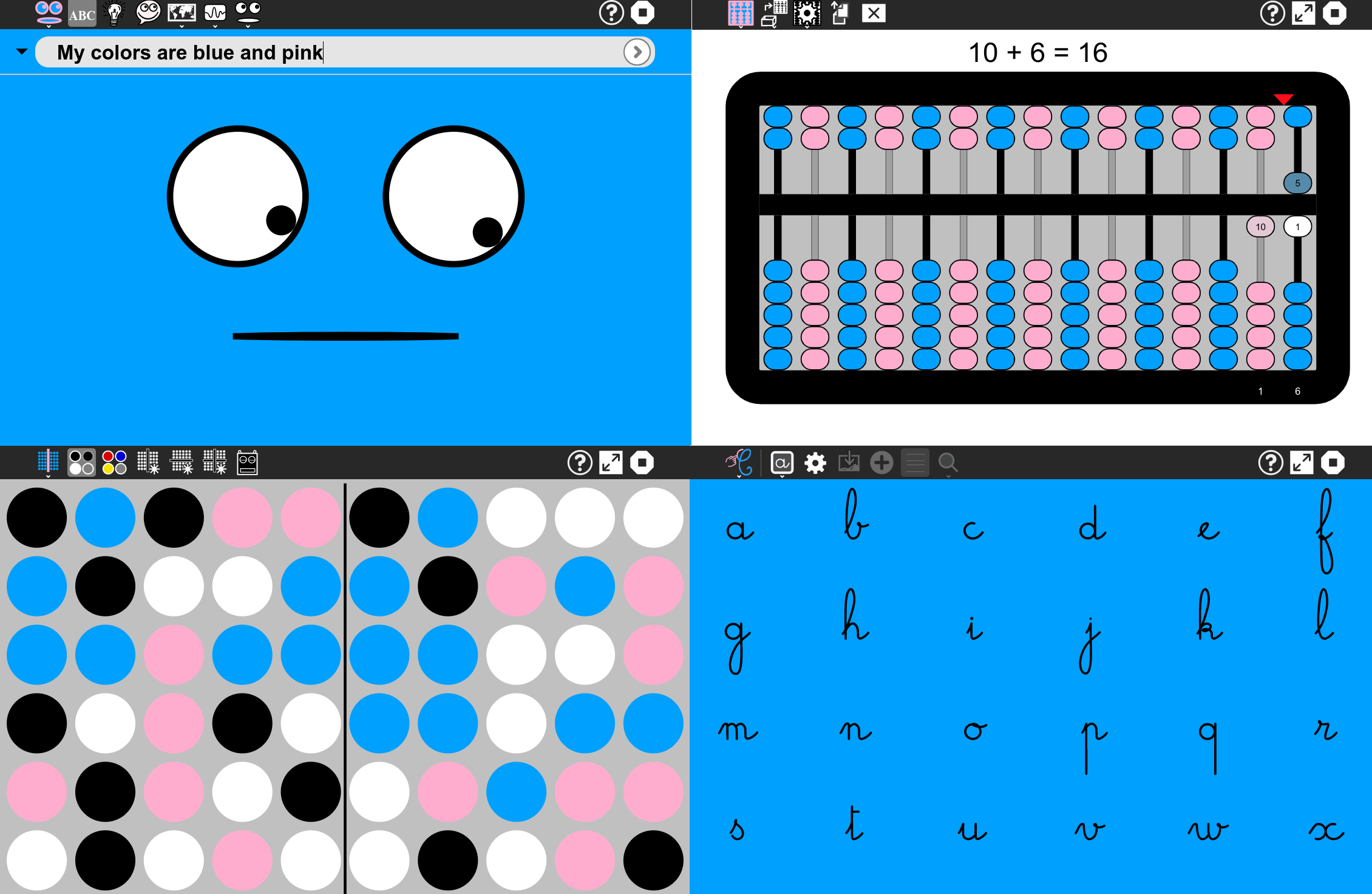
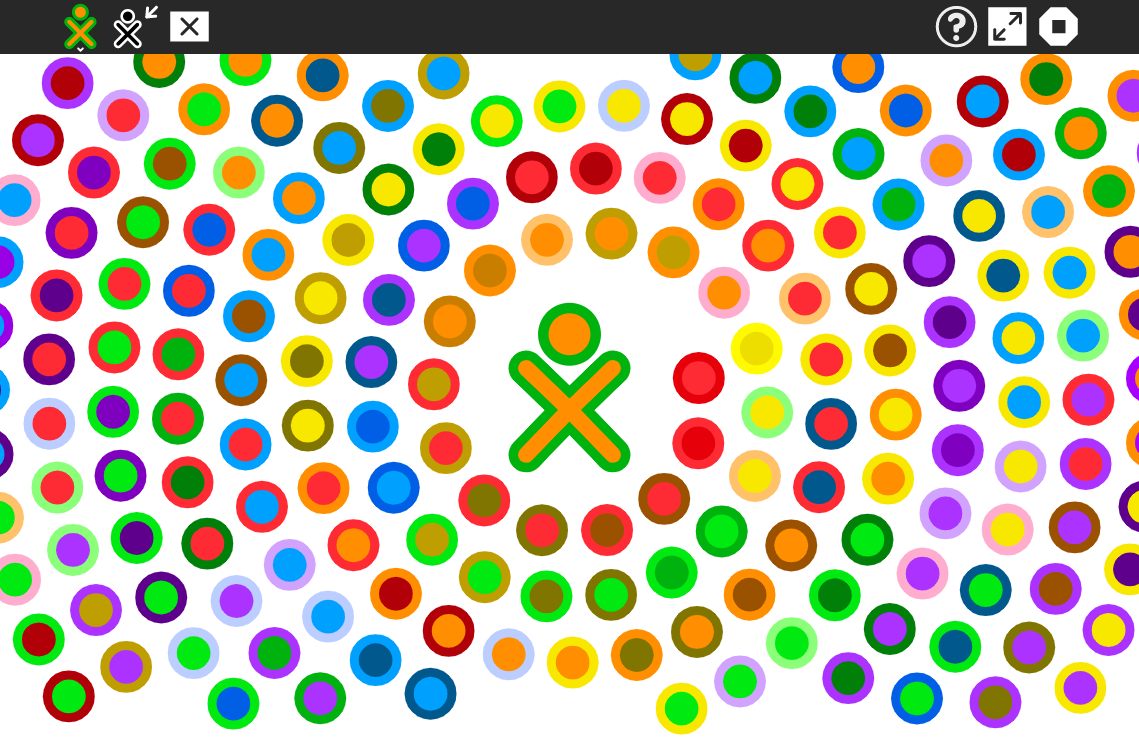
In the Sugarizer network view, the colors of all users are visible. This not only makes it easy to spot friends but also celebrates diversity within the community. The network view becomes a living mosaic of diversity and cooperation, where each color contributes to the overall picture.
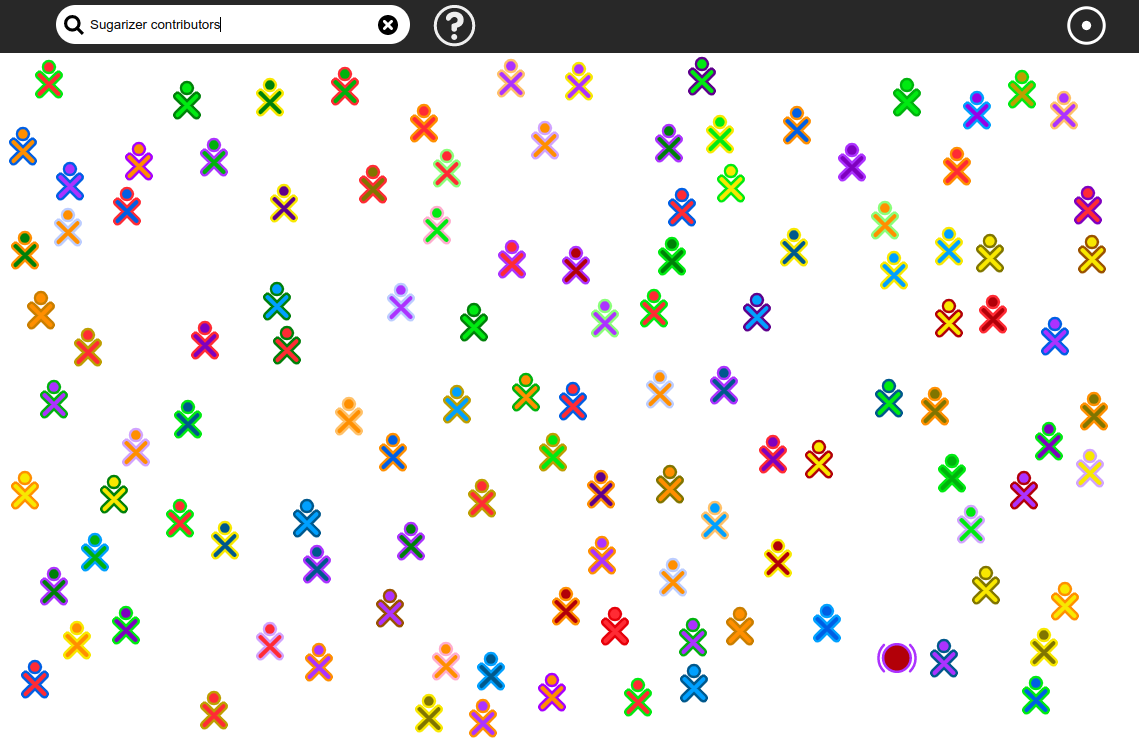
Personalization is a key feature of Sugarizer. Users can change their colors as often as they like through the settings screen. This functionality allows children to explore different color combinations and choose the ones they like the most at any time.
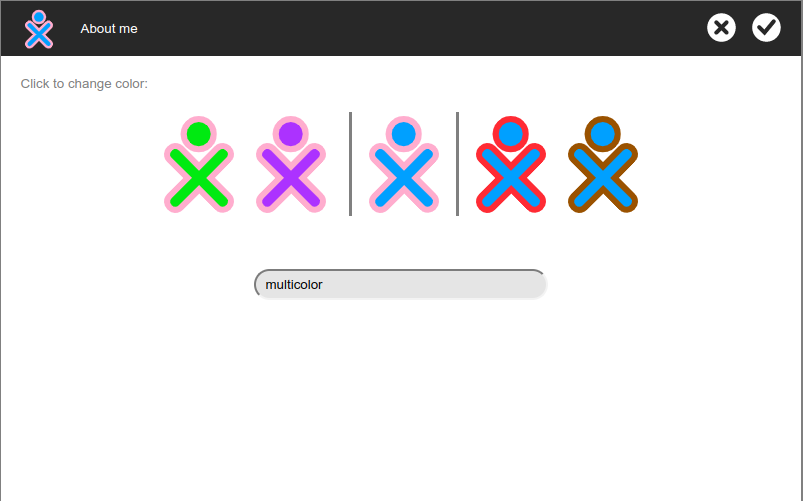
The XO Editor activity is particularly useful for this customization. It allows users to visualize all available colors and intuitively choose their favorite. With its user-friendly interface, even the youngest can easily explore and select their preferred colors.
Sugarizer has been designed with the needs of all children in mind, including those with visual impairments. The available colors have been carefully chosen to ensure optimal visibility, even for those with vision impairments. This attention to accessibility ensures that every child can fully benefit from the Sugarizer experience, without barriers or exclusion.
In conclusion, colors in Sugarizer are much more than just an aesthetic choice; they are a symbol of identity and personalization. By offering flexible and accessible options, Sugarizer ensures that every child can feel unique and valued while actively participating in a diverse and inclusive community.